Tag: tutorial
-
Valorant VAN 54 Error Code: How To Fix?
The Valorant VAN 54 error can be frustrating, but it’s often easily fixable. This guide outlines simple solutions, from restarting your game and PC to flushing DNS and checking server status. Follow these steps to get back into the action.
-
‘Valorant Couldn’t Start’ Error: How To Fix
Are you facing the frustrating “Valorant couldn’t start” error? This guide offers effective solutions to help you resolve this issue and get back to playing Valorant. We’ll cover steps like disabling administrator mode, restarting your PC, updating drivers, and reinstalling Valorant. Follow these easy steps to fix the problem and enjoy your gaming experience.
-
How To Block Players in Valorant?
Tired of toxic players ruining your Valorant matches? Discover how to easily block them using the new ‘block’ feature. Follow our step-by-step guide to create a more positive gaming environment.
-
How To Enable Quickcast in Deadlock, Valve’s Upcoming Hero Shooter
Check out a quick and easy way to enable quickcast in Deadlock, a popular multiplayer game. This feature allows you to use abilities and items with a single keystroke, giving you a competitive edge.
-
Best Minimap Settings for Valorant
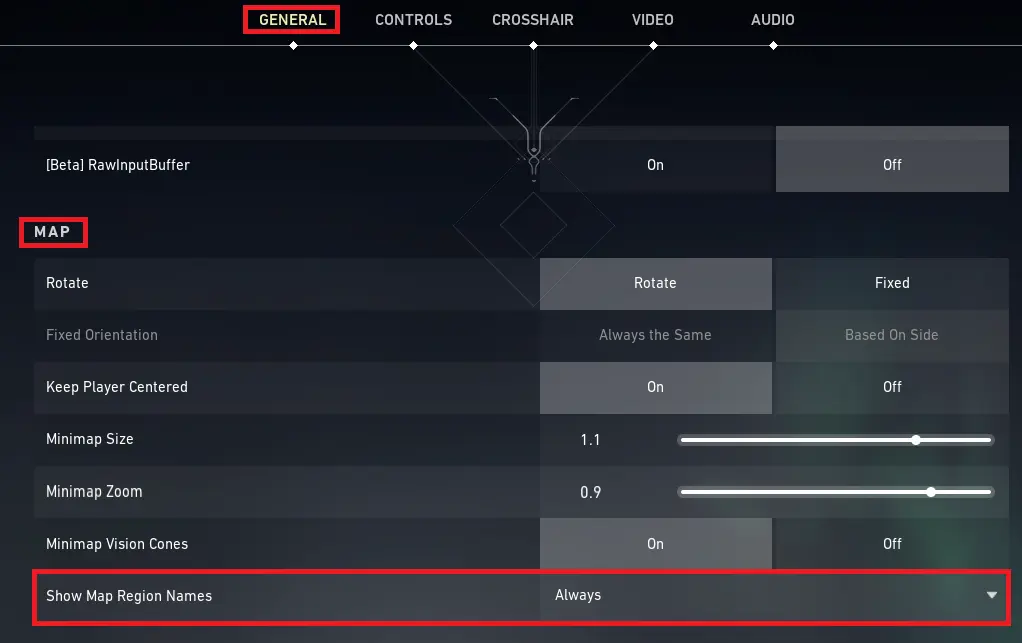
Elevate your Valorant game with these essential minimap settings. Discover how to read the map effectively, avoid sticky situations, and dominate your opponents.
-

Best CS2 Video Settings for Increasing FPS & Better Visibility
Check out the ideal CS2 video settings to boost your performance and enhance your gameplay experience. Enhance visibility, increase FPS, and gain a competitive advantage.
-

How To Rank Up in CS2?
Struggling to rank up in CS2? Discover effective tips to boost your MMR, from warming up properly to finding a reliable teammate.
-

Most Important CS2 Console Commands
Take your CS2 game to the next level with these essential console commands. Customize your gameplay, improve performance, and experiment with various settings.
-

How To 1v1 in CS2?
Want to improve your CS2 skills and have fun with friends? Learn how to create a 1v1 server and battle it out in intense matches.